Miscellaneous settings

You can enable Dark mode here (and also on the Quick Setup page).
The battery will not fully charge if the Prolong battery life setting is enabled. Enable this if you use the device plugged into a USB power source 24/7.
Enabling the Power off if no charger is connected setting is useful if the device is installed in a vehicle, as if this setting is enabled, the device will follow the USB power status (it will turn off if USB power is lost and it will turn on if USB power is restored). If Advanced mode is enabled, you can set the Power off delay, which delays powering off if USB power is lost. This is useful if you want to keep using the device for a few minutes after USB power is lost (you’ve stopped the car).
Checking the Disable callsign-ID database queries setting is useful if the device is used in a network where internet access is disabled. This prevents the device from trying to get a callsign for an ID or vice versa from the SharkRF callsign-ID database.
If the Unlink when power button pressed 3 times setting is enabled (this is only visible if Advanced mode is enabled), and the Power/Back Button pressed 3 times quickly, then the device will do the following instead of beeping the currently active profile number and name in morse code:
If the Homebrew/MMDVM® connector is active, then a quick call will be started to TG4000 to make the server unlink any linked dynamic talkgroups, and if the connector is connected using the Homebrew protocol, then a call interrupt command will also be sent to break any ongoing calls.
In case any other connector is active, the Null connector will be activated
You can also set the Status LED brightness with the slider. The new brightness setting will be only applied at the next LED state change.
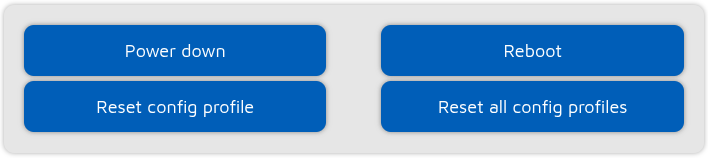
These buttons can be used for turning off/rebooting the device or resetting the Configuration profile to the default settings.
Important
Resetting a configuration profile does not erase the global storage. Only resetting all configuration profiles (factory reset) will erase the global storage.