Firmware upgrade
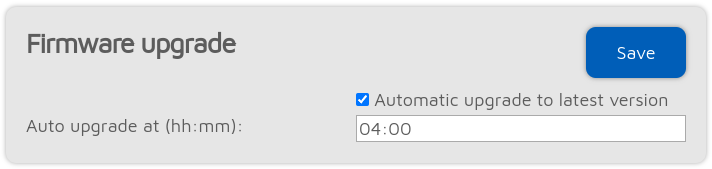
The device will automatically check for firmware upgrades periodically, as specified by the Check interval setting (only available if Advanced mode is enabled). If Automatic upgrade settings are checked then the device will automatically download and apply upgrades.
If a new firmware upgrade is available, downloading and applying the upgrade is automatically scheduled for the (local) time set by the Auto upgrade at setting. By default it’s set to 4am next day. The upgrade will only be performed if there were no calls received for at least Auto upgrade RX/TX delay seconds (this setting is only available if Advanced mode is enabled).
Important
The PTT (Push-To-Talk) Button and is disabled and the speaker is muted during the firmware upgrade download and installation. The device will not be able to receive and transmit calls.
Note
The device reverts to the previous firmware version if a reboot happens in 1 minute after the new firmware boots. The new firmware is finalized if the uptime reaches 1 minute.