Location settings
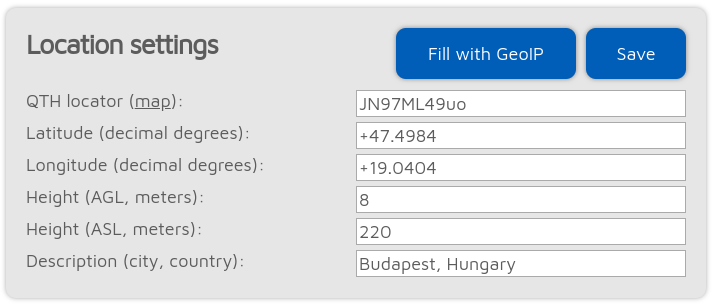
Setting location data is optional. It is used by some connectors like the Homebrew/MMDVM® connector to report the location of the device to the network.
The Fill with GeoIP button queries a GeoIP database to fill the location information based on the current external IP address of the browser.
Important
The precision of the GeoIP location data is limited and it may give inaccurate results.
Latitude and longitude is in decimal degrees. Conversion to/from QTH location format is automatic and precision is lower if you enter your location in QTH location format.
Important
The currently used network may truncate/modify all entered data.
Both height values refer to the height of your device (they are used separately).
How to get a location in decimal degrees
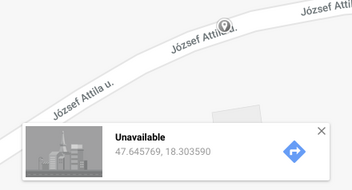
Google Maps displays a location’s coordinates in decimal degrees if you click on it: